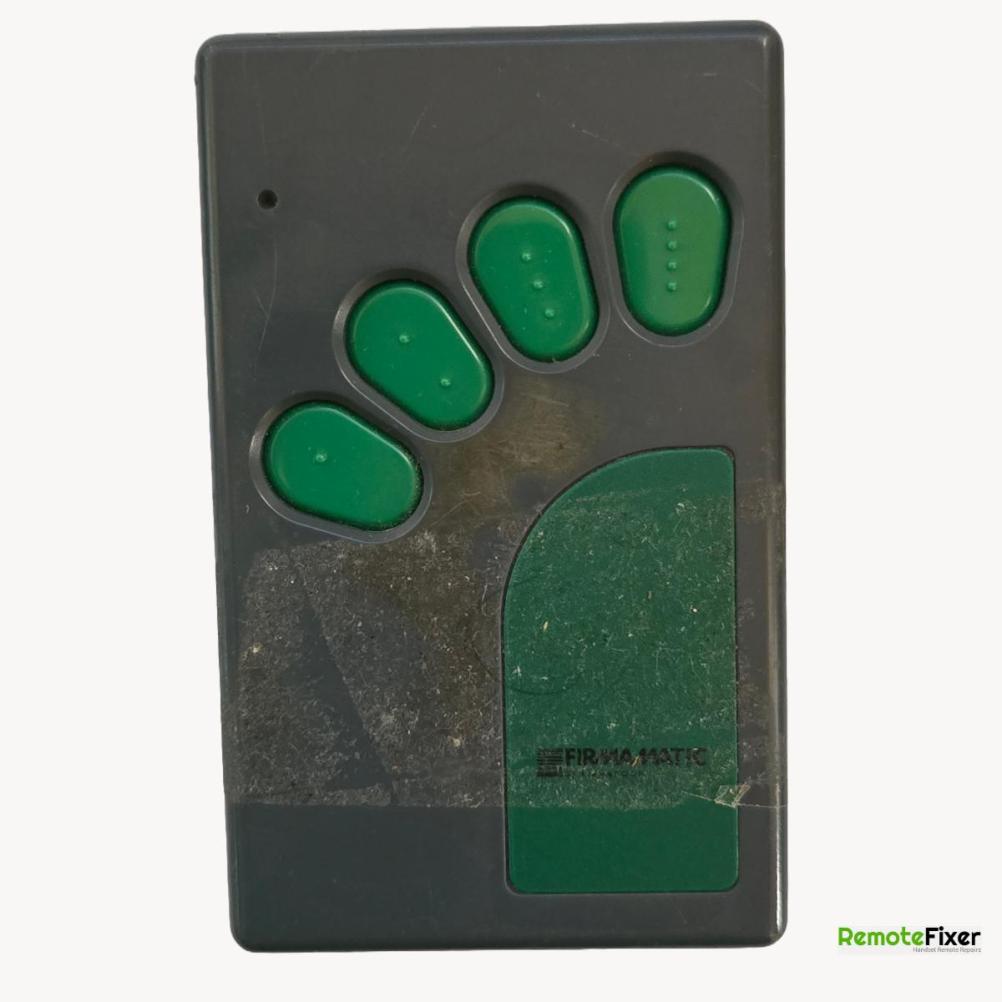
Firmamatic GDO4 Remote Control Repair
Job Timeline (Ref 24481-20)


Independent Repair Service Notice:
We are an independent repair service and are not affiliated with any of the brands or manufacturers shown on this website.
All items are customer-owned devices sent to us for professional repair services.
Brand names and logos are used for identification purposes only.
Firmamatic GDO4 Remote Repair Details
Manufacturer
Firmamatic
Model
GDO4
Customer's Fault Description
Non operational
Remote Fixer Repair Response
This remote arrived safely and on inspection the screws were missing.
On testing the remote was found to be transmitting at the expected 27.145Mhz
As the customer already has a working remote a clone is probably the best option to clone the remote, they have, a clone can be found at - https://ebay.us/uU6U2R
A quick AI question was asked regarding possible programming of the existing remote with the receiver which gave the following-
Programming a Firmamatic GDO4 remote (often associated with ATA garage door openers) typically involves syncing the remote with the garage door opener’s control unit. Based on available information for similar models, here’s a "possible" guide to program your Firmamatic GDO4 remote:
-Locate the Control Panel:
-Open the light cover on the garage door opener by pressing in on both sides and pulling down to access the internal control panel.
-Find the “Door Code” button (sometimes labeled as “Code” or similar) on the control panel.
-Enter Programming Mode:
-ress and hold the “Door Code” button continuously. Keep holding it throughout the next step.
-Program the Remote:
-On the remote, select the button you want to program.
-Press and hold the chosen button for 2 seconds, release for 1 second, then press and release it again.
-Release the “Door Code” button on the control panel.
-Test the Remote:
-Press the programmed button on the remote to check if it operates the garage door. If it doesn’t work, repeat the steps.
Images of Customer's Remote Control
The following images show the actual remote control sent to us by the customer for professional repair services.