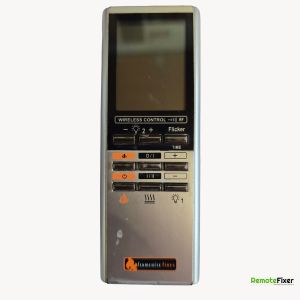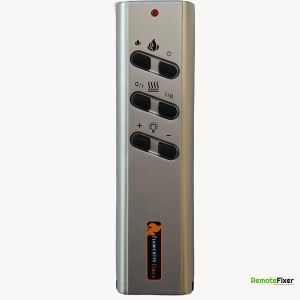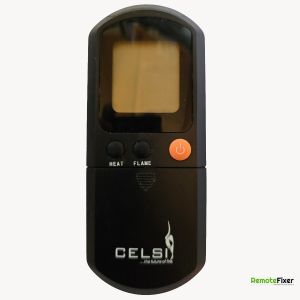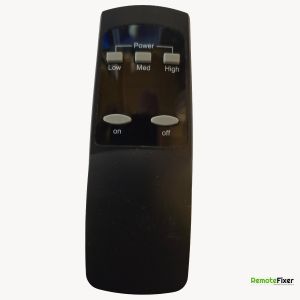
Flamerite YCT-100 Remote Control Repair Service
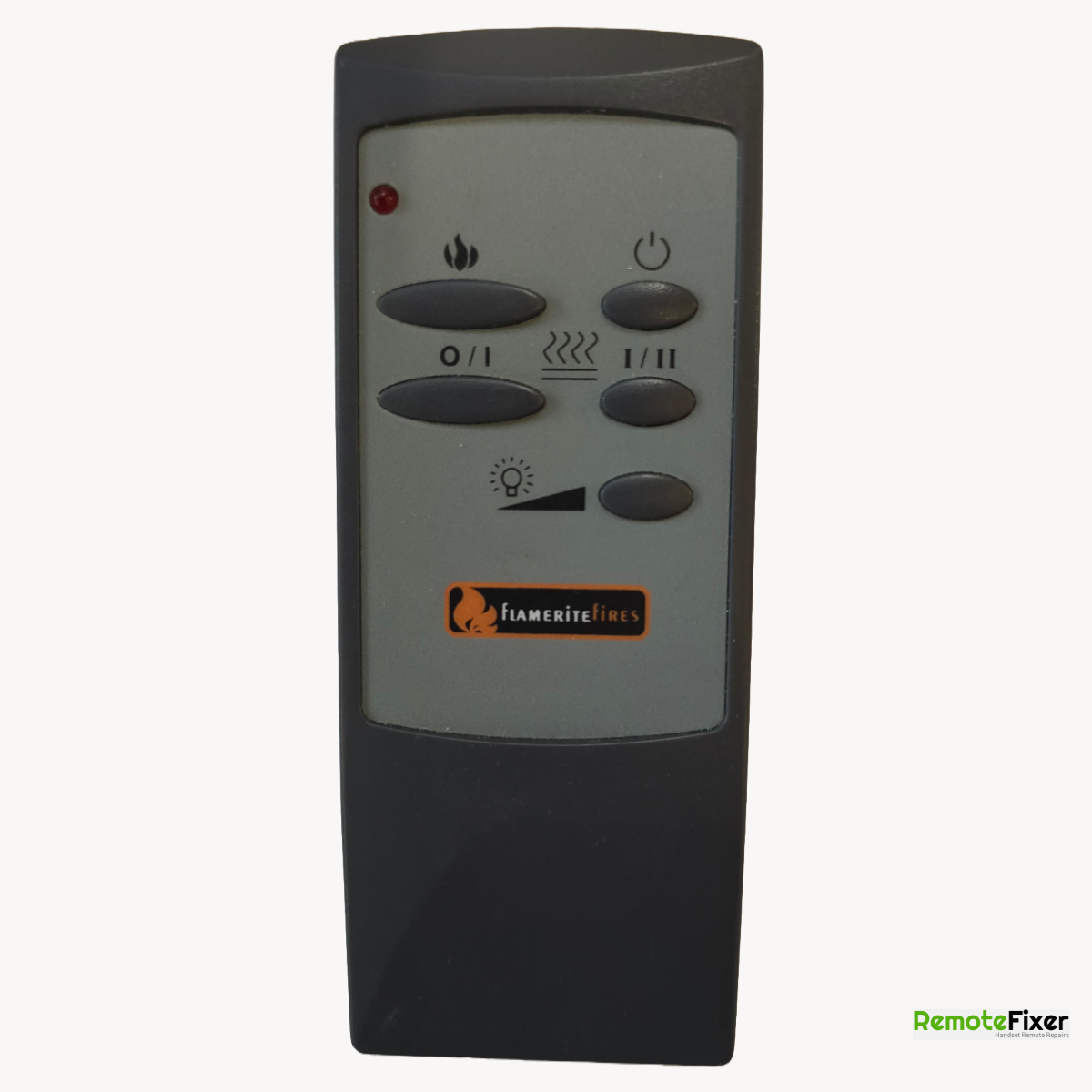
Device Specifications
| Make: | Flamerite |
|---|---|
| Model: | YCT-100 |
| Signal Type: | Radio Frequency |
| Equipment Type: | Electric Heater |
| Frequency: | 433.92Mhz |
Have a Faulty Remote?
Let our experts repair your remote control with our guaranteed service.
Book Your Repair NowDescription
Pairing Instructions
Step 1: Check the Battery
Before adjusting any settings, ensure a fresh, high-quality 12V MN21/23 (A23) battery is installed. A weak battery may light up the remote's red LED indicator but fail to output a strong enough RF signal to trigger the fire's receiver.
Step 2: Locate the Frequency Dial Wheel
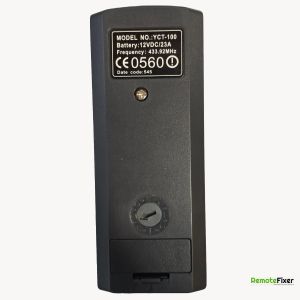
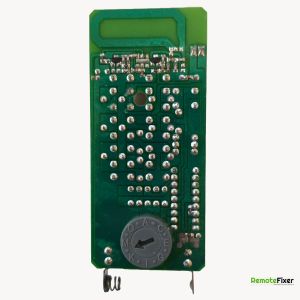
On the reverse side of the YCT-100 handset, directly above the battery compartment, you will see a small, circular, recessed dial wheel with letters or numbers stamped around it (typically A through P). There is an arrow in the center of this dial.
Step 3: Match the Handset to the Fire's Receiver
To get the remote talking to the fire, the position of the dial on the back of the remote must exactly match the corresponding dial on the fireplace's internal receiver control box:
- Locate the fire's receiver dial: This is usually found near the main I/O power rocker switch on the appliance (often tucked under the upper trim, near the heater vent, or behind a removable magnetic fret panel).
- Identify the set letter/number: Look at the position of the arrow on the fire's receiver dial.
- Adjust the remote control: Use a small flathead screwdriver or a coin to rotate the arrow on the back of the YCT-100 handset until it points to the exact same letter or number as the fire.
Step 4: Perform a Power Reset
Once the dials are perfectly synchronized, clear the system cache to establish the connection:
- Turn the main I/O switch on the fireplace to O (Off).
- Wait roughly 30 seconds to allow the internal circuitry to completely power down.
- Flip the rocker switch back to I (Standby/On).
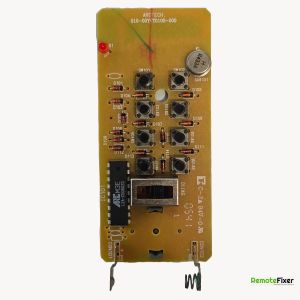
- Press the Power button on your YCT-100 remote. The red LED on the handset should blink, and your fireplace should respond immediately.
Note: If your fire is picking up interference from a neighbor's remote or an automated home gadget, simply change both dials (on the fire and the remote) to a new matching letter to switch to a clear frequency channel.
Ask a Question about this Remote Control
Have a question about the Flamerite YCT-100? Ask us below and we'll get back to you!
Flamerite YCT-100 FAQs
Response:
Buttons require changing.
Response:
Bad solder joints need rework