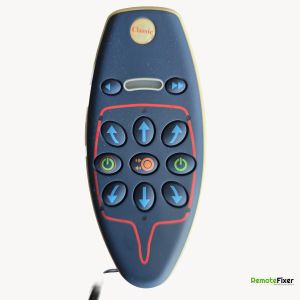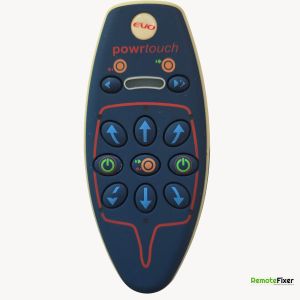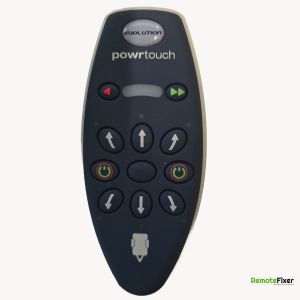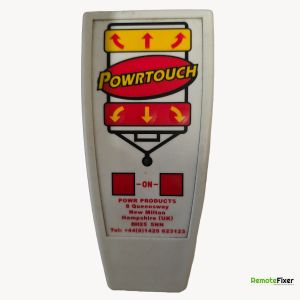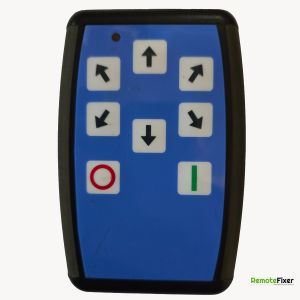
Powrtouch PT80 Remote Control Repair Service
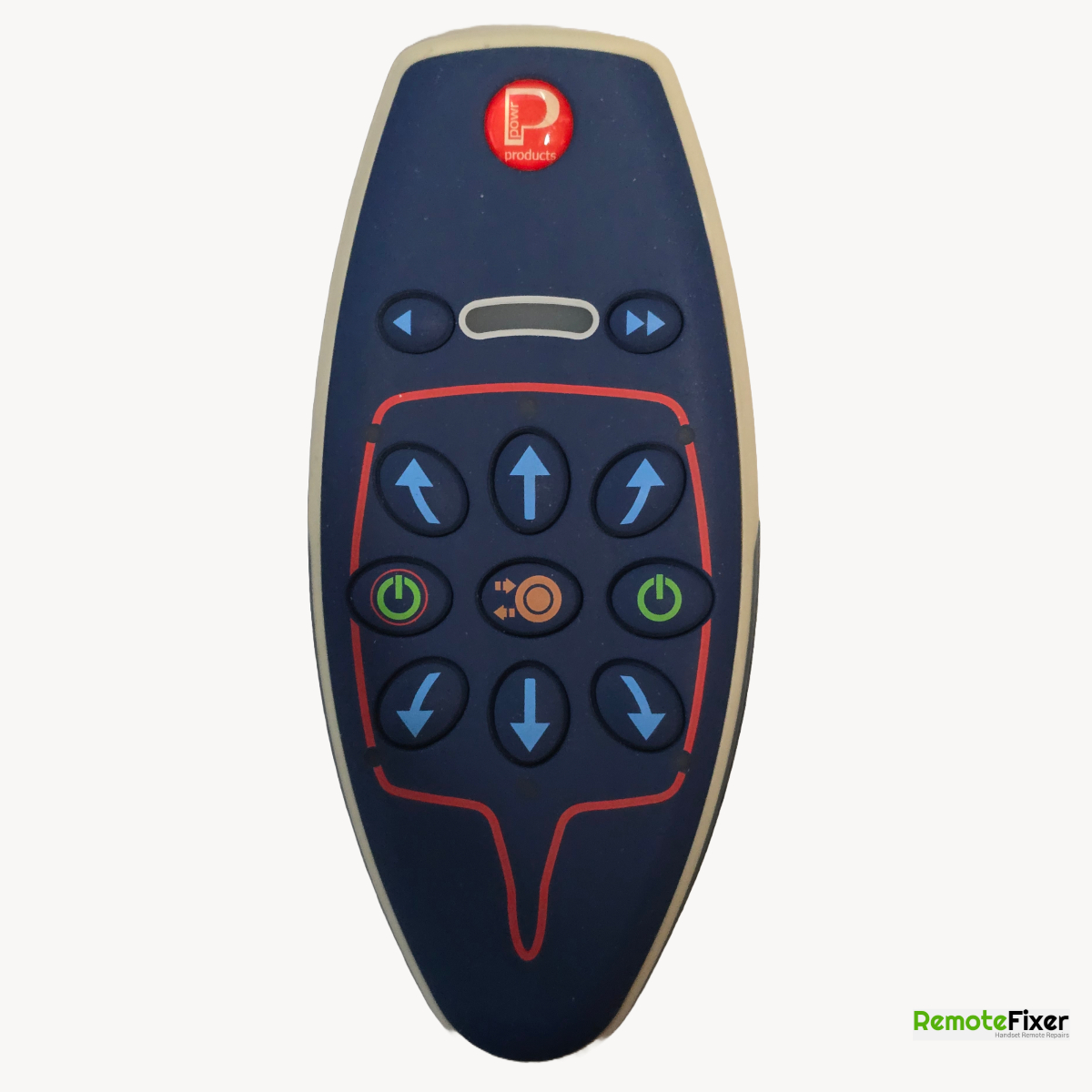
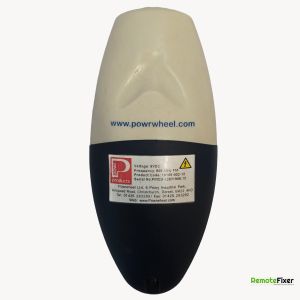
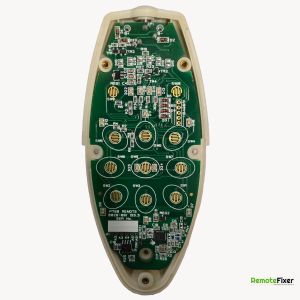
Device Specifications
| Make: | Powrtouch |
|---|---|
| Model: | PT80 |
| Signal Type: | Radio Frequency |
| Equipment Type: | Caravan Motor Mover |
| Frequency: | 868 Mhz |
Available on eBay
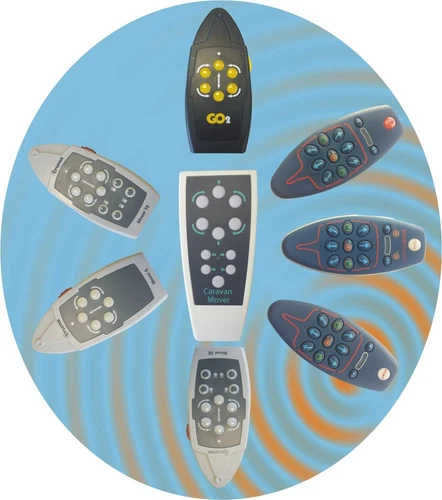
Motor Mover Remote Control Handset Truma M2 S SE SER TE TER Trumove Go2 CM
Have a Faulty Remote?
Let our experts repair your remote control with our guaranteed service.
Book Your Repair NowDescription
Common Issues With The Powrtouch PT80 Remote Control
Based on customer repair bookings received over several years. These reflect commonly described symptoms and are not verified technical assessments.
Customers commonly report issues with their Powrtouch PT80 remote control for caravan motor movers. Over time, many find the unit becomes difficult to switch on or stops responding altogether, even after replacing the battery. These everyday frustrations can interrupt a smooth caravanning experience, especially when arriving at a site or manoeuvring on arrival.
Common symptoms include the two power buttons needing repeated presses before any lights appear, and directional controls becoming unresponsive or requiring extra force. Some owners mention the problem developing gradually after storage or light use, while others experience it more suddenly.
Our repair service offers a practical solution for these familiar Powrtouch PT80 handset problems. We specialise in diagnosing and fixing the issues that customers most often describe, helping restore reliable operation without the need to replace the entire unit. Many customers appreciate getting their original remote working again quickly and cost-effectively.
We handle each repair with care, testing all functions thoroughly before returning the unit. Whether the remote has become intermittent or refuses to power up, our experienced team aims to provide a dependable fix so you can enjoy stress-free use of your motor mover once more.
Pairing Instructions
Pre-Pairing Checklist -
Safety First: Ensure the motor mover rollers are disengaged (off the tyres) before starting.
Battery: Make sure the handset has a fresh 9V battery and the caravan leisure battery is fully charged.
Pairing (Mapping) Instructions -
Power On the Receiver: Turn on the caravan’s mover system using the Red Isolator Key (usually located in the battery box or near the door). A green LED should light up on the electronics box.
Locate the Reset Button: Look at the main electronics box (the blue or grey box inside the caravan). There is a small hole labeled 'R' or 'Reset'.
Initiate Pairing Mode: * Insert a small, thin object (like a paperclip or the tip of a pen) into the 'R' hole and press the button once.
The LEDs on the control box will start flashing red and green alternately. This means it is "searching" for your remote.
Turn On the Remote: You must do this within 20 seconds of pressing the reset button:
Press both green power buttons on the handset simultaneously.
The LED window on the remote will light up/scroll.
Confirm Sync: * Once the handset completes its start-up sequence, the flashing lights on the main electronics box should turn to a solid green.
Press any movement button (the blue arrows) to confirm the rollers move.
Ask a Question about this Remote Control
Have a question about the Powrtouch PT80? Ask us below and we'll get back to you!
Powrtouch PT80 FAQs
Response:
Customers commonly report that the two central green power buttons gradually become harder to activate. What once worked with a simple simultaneous press often now requires multiple attempts, firmer pressure, or sometimes fails completely, even with a fresh 9V battery. This is one of the most frequently described symptoms.
Response:
Intermittent operation is very commonly described. The power buttons may work after several tries on one occasion and then refuse to respond the next. Once powered up, many customers say the other movement buttons continue to function normally.
Response:
Many customers try replacing the 9V battery, sometimes multiple times, but still experience the same issues. While a fresh battery is always worth checking, the most common faults reported relate to worn power buttons, internal contacts, or signal problems rather than battery power alone.
Response:
We specialise in diagnosing and repairing these remotes. Typical work includes replacing worn conductive button pads, repairing or cleaning internal contacts, fixing battery connections where needed, and thoroughly testing wireless transmission and all functions. Our aim is to restore reliable performance so the remote feels responsive again.
Response:
For most customers, yes. Repairing the existing remote is usually a quicker and more cost-effective solution than replacement, especially when the main issues are worn buttons or contacts that we can restore effectively.
Response:
Yes, intermittent or non-responsive directional buttons (like the forward or reverse keys) are typical signs of keypad wear. We can repair the underlying contact matrix for all buttons on your handset to ensure you have precise control over your caravan's movement.