Powrtouch 00.0101 Twin Remote Control Repair Service
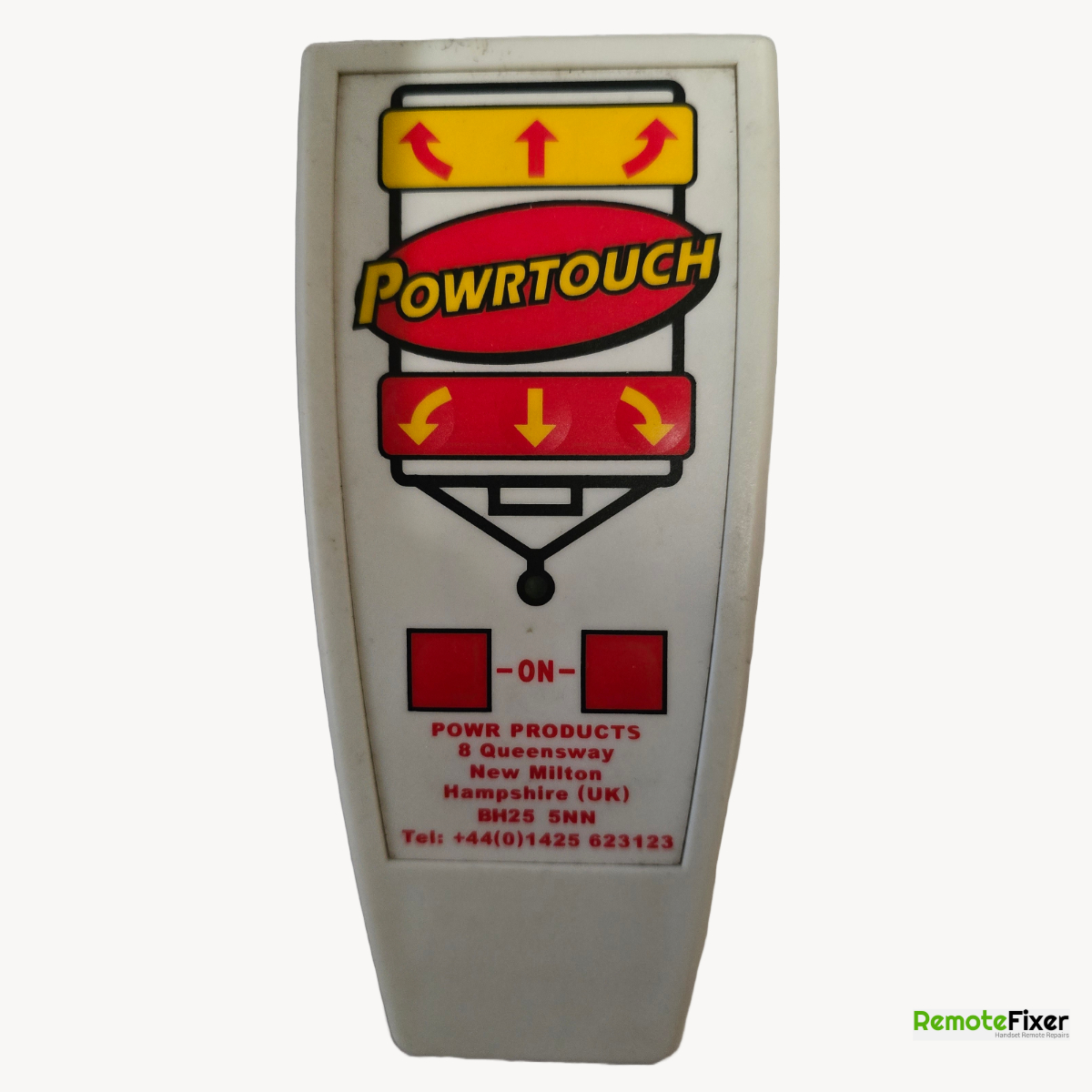
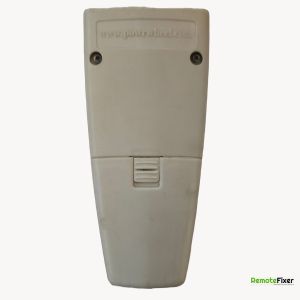
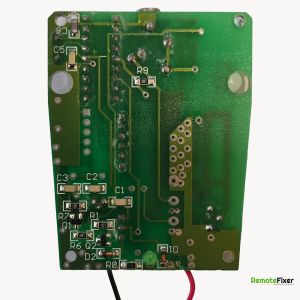
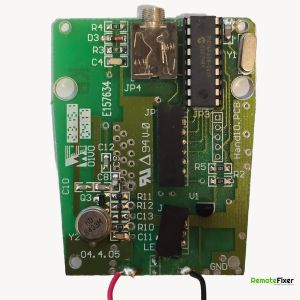
Device Specifications
| Make: | Powrtouch |
|---|---|
| Model: | 00.0101 Twin |
| Signal Type: | Radio Frequency |
| Equipment Type: | Caravan Motor Mover |
| Frequency: | AM 433.88Mhz |
Available on eBay
Universal Motor Mover Remote Handset Carver Truma Reich Powrtouch Rhyno UH-AM433
Have a Faulty Remote?
Let our experts repair your remote control with our guaranteed service.
Book Your Repair NowDescription
Common Issues With The Powrtouch 00.0101 Twin Remote Control
Based on customer repair bookings received over several years. These reflect commonly described symptoms and are not verified technical assessments.
The most frequently described symptom by customers is a failure to power up. You might find that pressing the two red activation buttons simultaneously no longer brings the remote to life, or it may only turn on intermittently after several attempts.
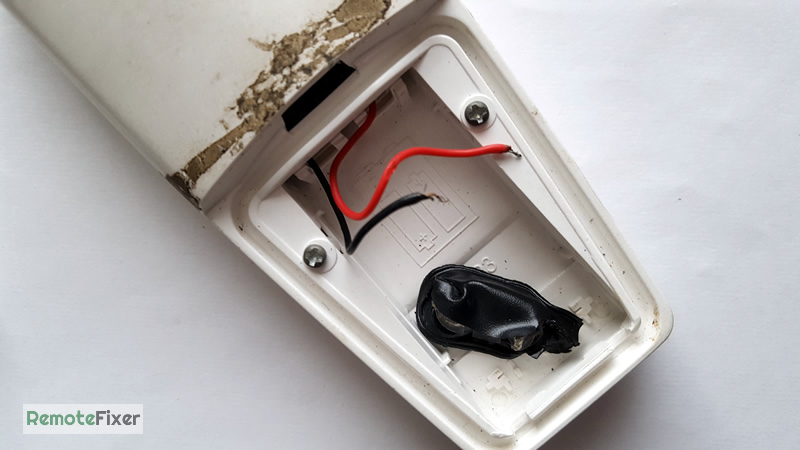
Another commonly reported issue involves the internal battery connections. Over time, the thin wires leading to the 9V battery clip can become strained or detached, leading to a "dead" remote. Customers often notice this after changing the battery or if the handset has been stored for a long period.
We also see many reports of unresponsive directional buttons or handsets that stay "on" indefinitely. This can lead to the battery draining prematurely or the caravan moving unexpectedly as soon as the power is connected. These symptoms are often linked to natural wear of the internal contact points.
Pairing Instructions
Preparation Checklist
Safety first: Ensure the caravan rollers are disengaged from the tires.
Power: Ensure your caravan leisure battery is fully charged and the 9V battery in the handset is fresh.
Tools: You will need a small, thin object (like a cocktail stick, paperclip, or the plastic pin sometimes stored on the receiver box).
Pairing (Mapping) Instructions
Turn on the System: Insert the red isolator key into the caravan’s exterior switch and turn it to the ON position.
Locate the Reset Hole: Find the electronics control box inside the caravan. Look for a small hole labeled 'R' (Reset) on the top or side of the casing.
Enter Pairing Mode: Push your thin tool into the 'R' hole until you feel a click.
Press and release the button once.
The red and green LEDs on the control box should now start flashing alternately. This means the box is "listening" for a signal.
Sync the Handset: While the lights are flashing, pick up your remote.
Press and quickly release both red "ON" buttons at the same time.
The handset will go through its startup sequence (LEDs will flash).
Confirm Connection: Wait a few seconds. Once the handset has initialized, the flashing lights on the electronics box should stop, and the green light should stay solid.
Test a movement button (e.g., Forward) to ensure the rollers spin.
Examples of Remotes Received for Repair
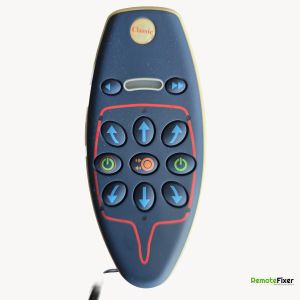
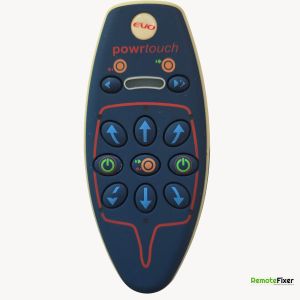
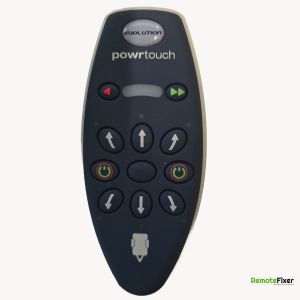
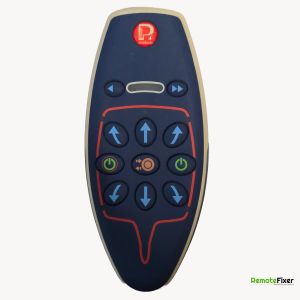
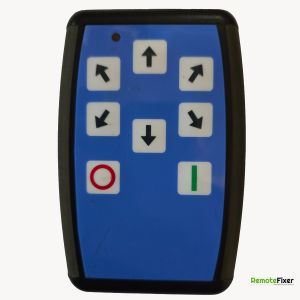
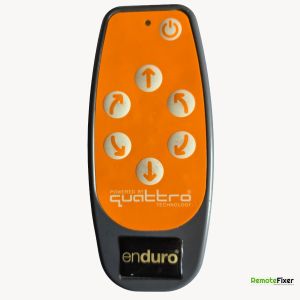
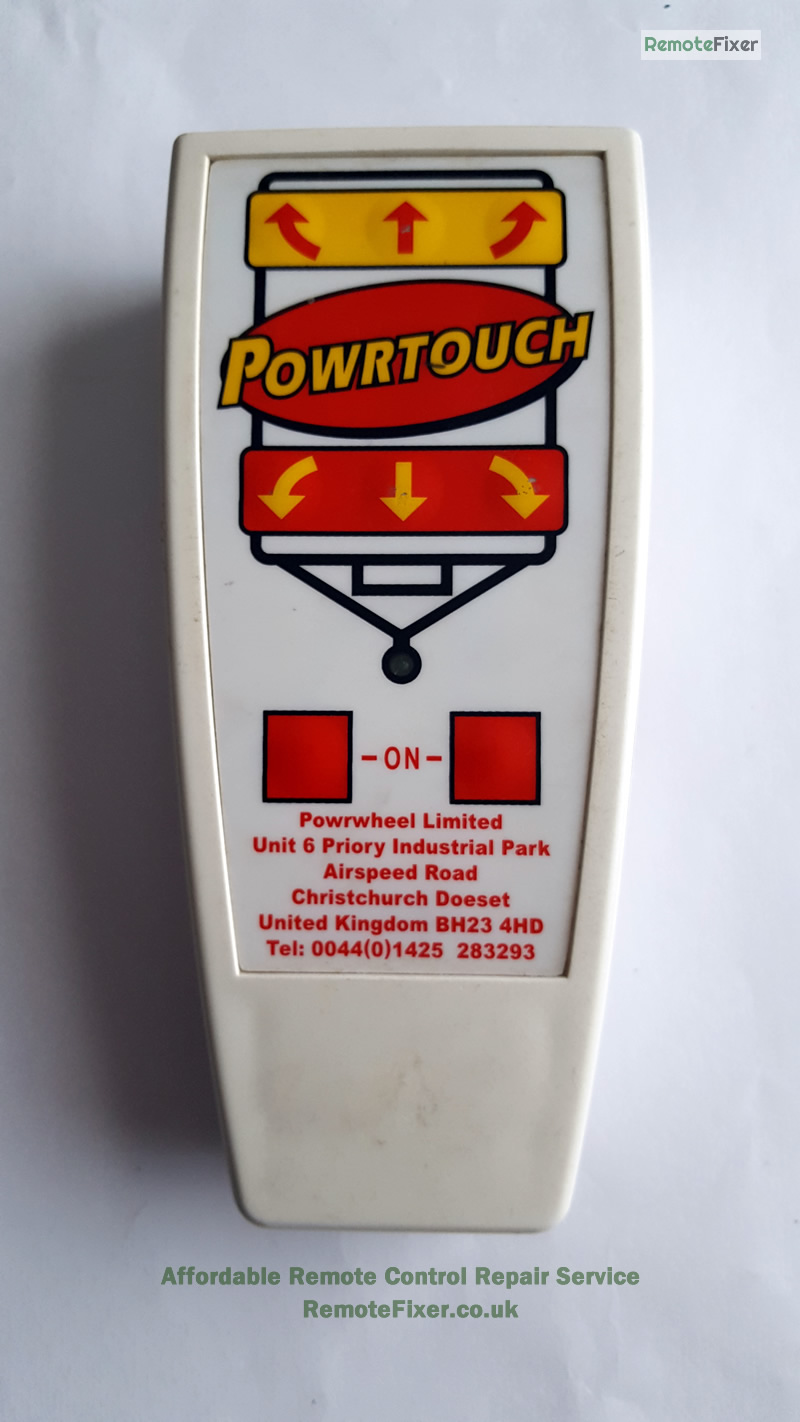
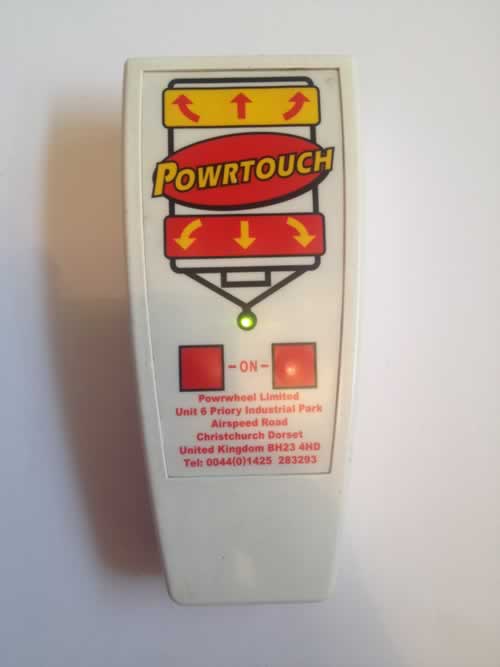
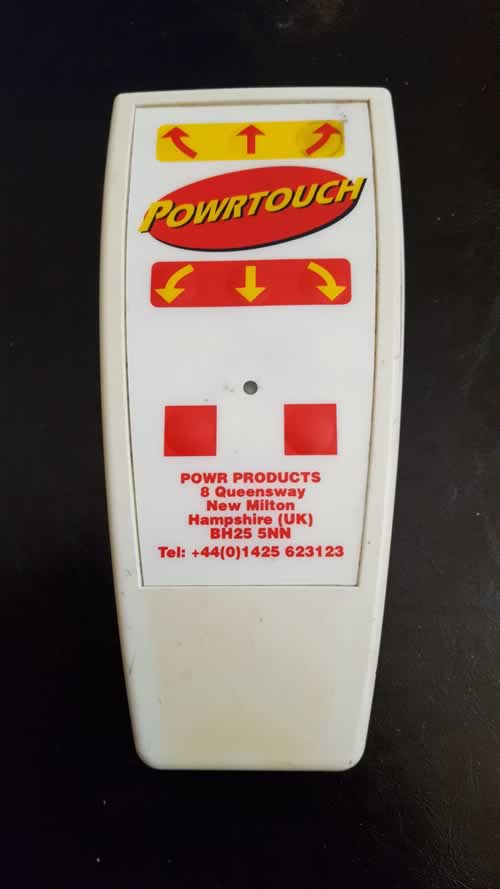
Photos of actual Powrtouch 00.0101 Twin remote controls sent to us by customers for repair.
Ask a Question about this Remote Control
Have a question about the Powrtouch 00.0101 Twin? Ask us below and we'll get back to you!
Powrtouch 00.0101 Twin FAQs
Response:
It is a commonly reported symptom that the dual-power buttons may require more pressure over time or take several attempts to activate the green LED. This type of fault is often repairable by our technicians at Remote Fixer, who can address the internal contacts to restore responsiveness. Our No Fix No Fee guarantee means you only pay if we successfully repair it.
Response:
If your Powrtouch handset functions via the cable but fails to turn on or pair wirelessly, there may be an issue with the battery circuit or the wireless transmitter. In many cases, this is repairable, and our service can help restore your remote's wireless freedom.
Response:
Yes, broken battery terminals and snapped wires are very frequent issues due to the way batteries are changed in these units. Our repair service includes professional soldering and component replacement to ensure a secure power connection for your Powrtouch controller.
Response:
This behavior can occur if an internal button contact has become "stuck" or if there is a signal issue, causing the remote to transmit constantly. This type of fault is commonly repairable, and we can inspect the internal membrane and circuitry to stop these unintended movements.
Response:
If specific directions like "reverse" or "left" are non-responsive while others work fine, it often indicates a localized contact failure. Our repair process for the Powrtouch 00.0101 Twin can often resolve individual button failures to get your motor mover fully operational again
Response:
Moisture can cause corrosion or short circuits, but many water-damaged remotes can be saved if treated professionally. We can clean the circuitry and replace affected components to potentially restore functionality