
Historic Repair Work at Remote Fixer
Browse our archive of completed remote control repairs. Showing page 58 of 318 (7,633 total repairs). We no longer list individual jobs — these are historic records.
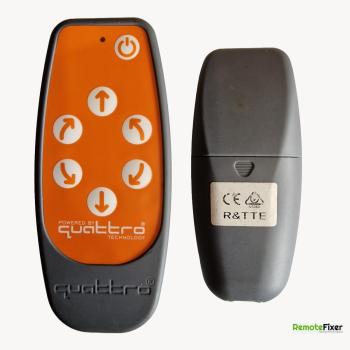
Purpleline Quattro Classic Repair
When batteries are first inserted, the power light comes on. No further button presses lead to any power nor does the power button seem to work.
View Details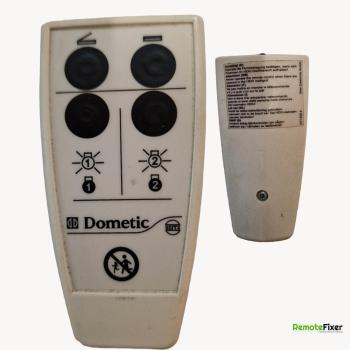
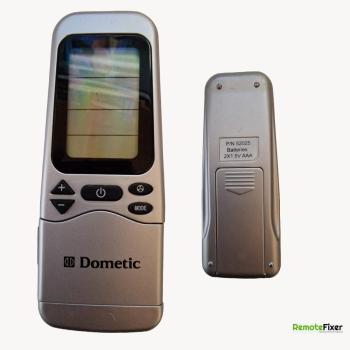
Dometic Repair
Two of the four buttons do not work. Right hand side buttons functioning only. Battery terminals making poor contact.
View Details
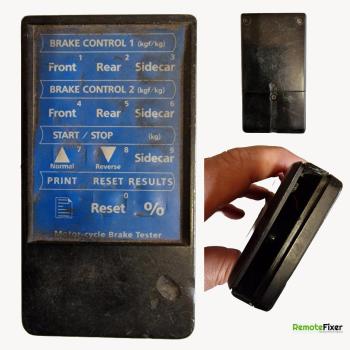
Tecalemit Repair
Stopped working a couple of years ago. Prior to that it sometimes needed a light tap to work.
View Details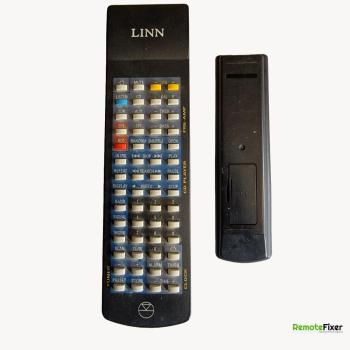
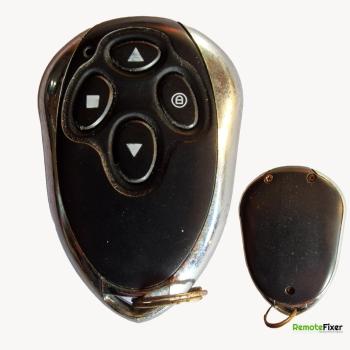
Dooyah Repair
This is one of 2 remotes - you have just repaired one ( job RF22383-20 It ceased to work a few years ago - always had Duracell battery and has a new one in now ! None of the buttons make the light show
View Details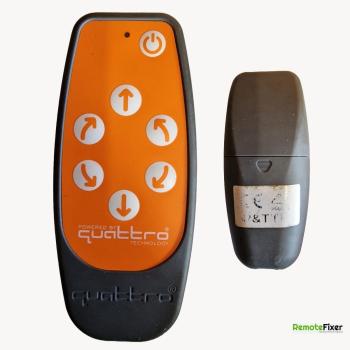
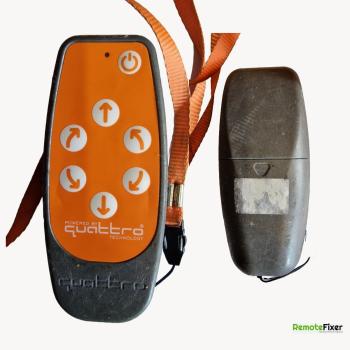
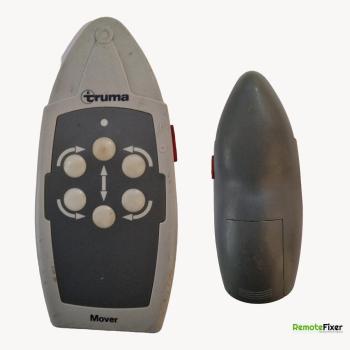
Quattro Repair
Reverse and adjoining side button presumed as cause of not activating the caravan mover in these directions. Quattro tech suggested that 'There’s a copper railing which connects those two buttons and when that goes funky it’s a common issue for both those buttons to go at the same time!'
View Details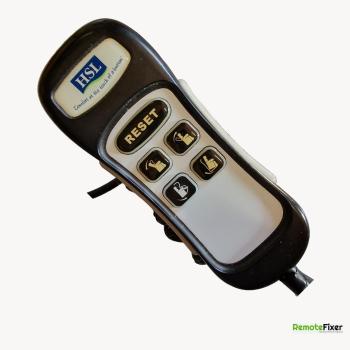
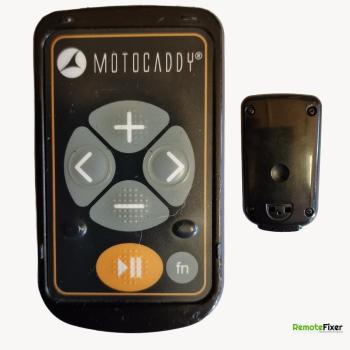
Motocaddy S7 Repair
Starting trolley but getting mixed up trolley having a wobble light stays on handset
View Details
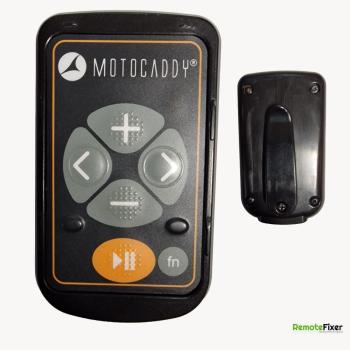
Motocaddy Repair
Pressing left and right buttons lights up LED on the remote but doesn’t move the trolley
View Details
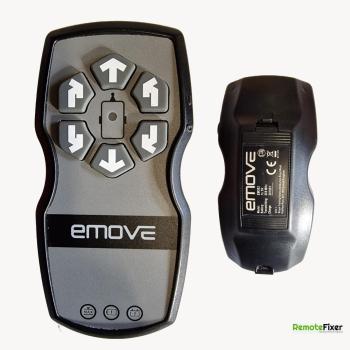
Emove Repair
When you switch on remote their seems to be a connection issue with the battery terminals,
View Details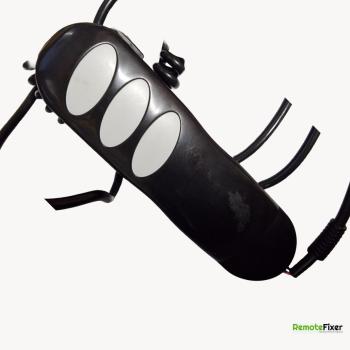
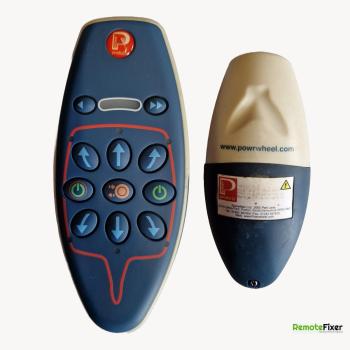
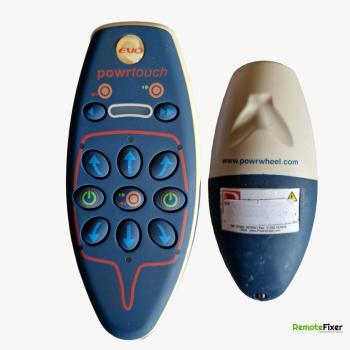
Powerwheel Repair
Wheel roller disengage button inop, Forward and Reverse buttons inop. All other button are working.
View Details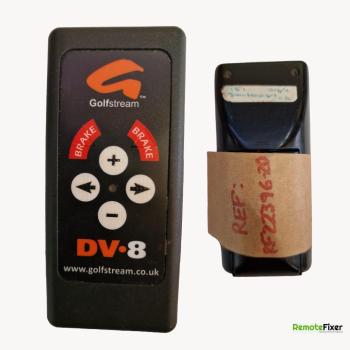
Golfstream DV.8 Repair
Appears to be a replacement for the Powakaddy remote supplied for a RobboKaddy. Circuit board is getting power, but the led doesn’t illuminate when buttons are pressed. A bit of ‘fiddling’ with the + and R button simultaneously managed to get life out of the led, but the don’t function independently (let alone all other buttons)
View Details